AI / How I use it in my work
AI that makes a team faster and sharper.
I use AI to do the research, build the systems and plan the year, so the creative work gets better and ships sooner.
The value is not in a clever prompt. It comes from setting AI up so it fits how a creative team actually works: good research up front, clear standards, repeatable steps and tools that talk to each other. The result is a business that runs faster, with better information behind every decision.
Research / Planning / Figma / MCP connectors / Skills / SOPs
Where it earns its place
- Research and competitors. Before a brand or a campaign gets a single design, I use AI to map the market: who the competitors are, how they position themselves, where the gaps are and what the audience responds to. The creative starts from facts instead of guesses.
- A year of work, laid out. I use it to turn a brand or a project into a plan with goals across twelve months: what ships when, what each piece needs to do and how we will know it worked. It gives a team something clear to run against.
- MCP connectors. I connect AI to the tools a team already uses, so it can pull real information, keep trackers current and take on the busywork, instead of living in a separate chat window.
- Skills and SOPs. I turn the way good work gets done into written skills and standard operating procedures. Briefs, reviews, launch plans and research follow the same steps every time, whoever is running them.
- AI inside Figma. I use AI to build components and design systems faster and to keep them consistent. I have also connected Figma to Claude Code, so a design can become working software without starting over.
Why it matters to a business
Creative teams lose time to rework, unclear direction and searching for information. AI, set up well, removes much of that. Research is done sooner and goes deeper. Plans are clearer. Standards are written down so they get followed. Reviews go faster because everyone starts from the same facts.
I have spent my career building the systems creative runs on. AI is the newest and most powerful tool for that job, and I use it with the same bar for quality I always have.
One example
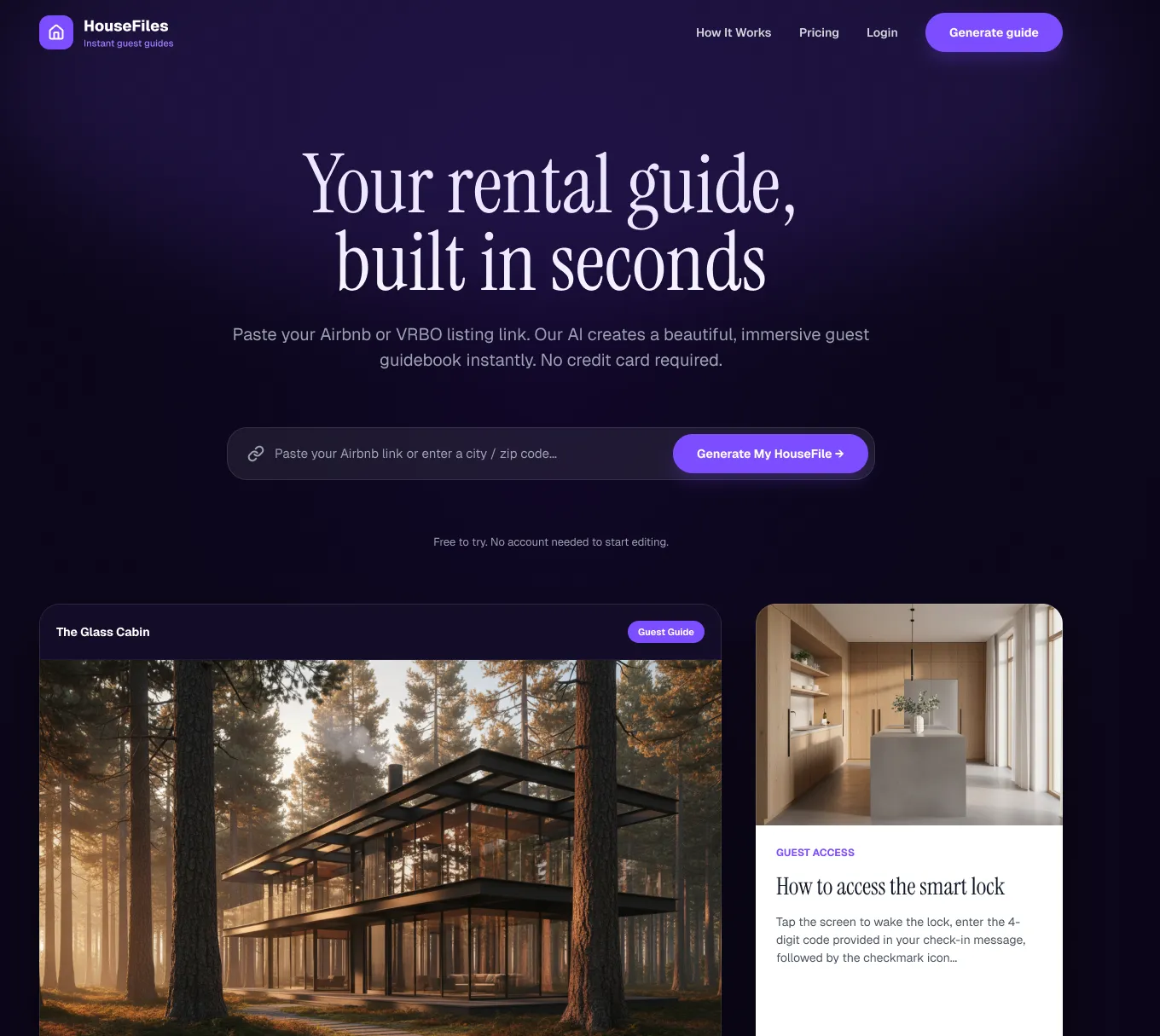
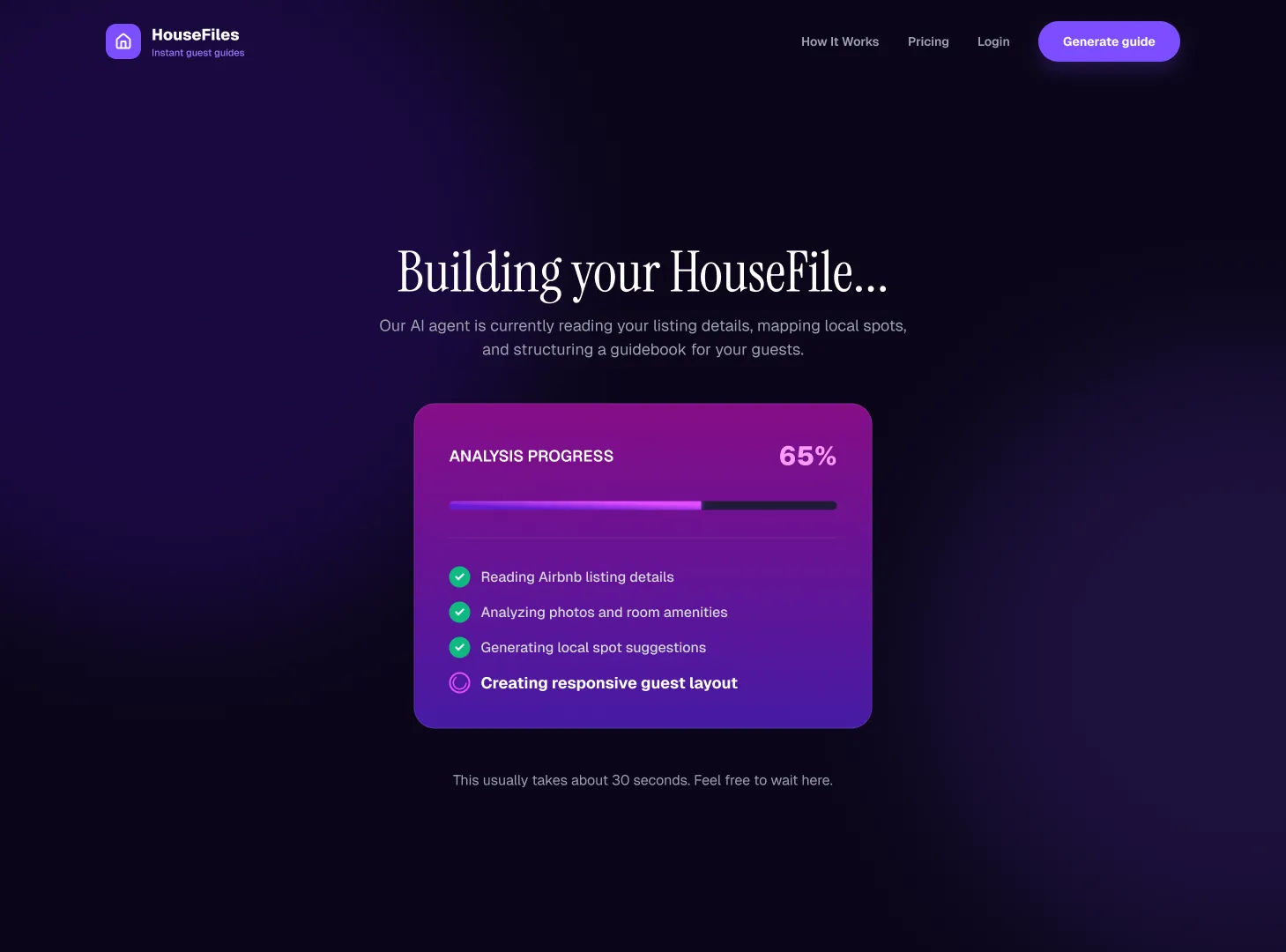
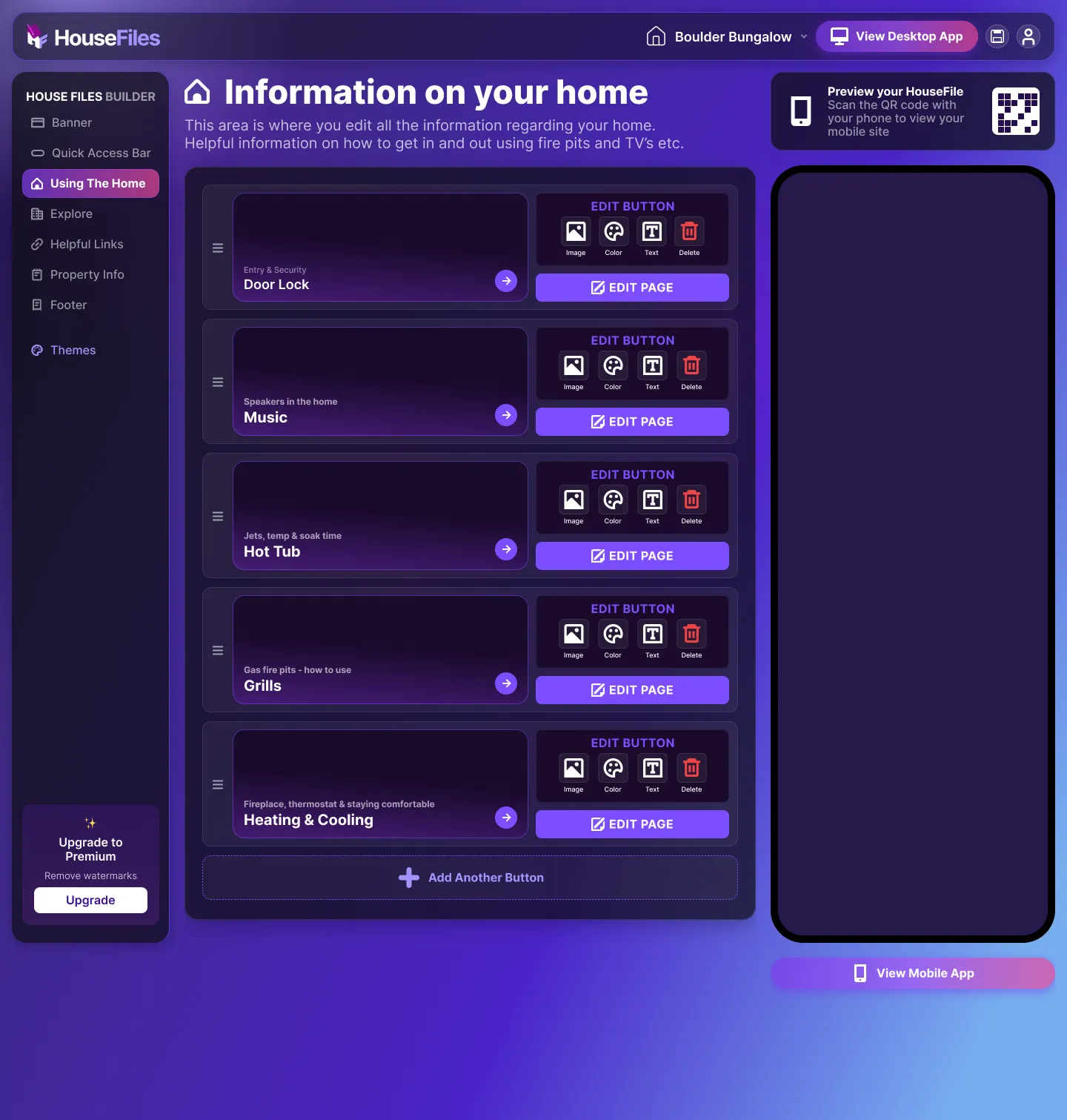
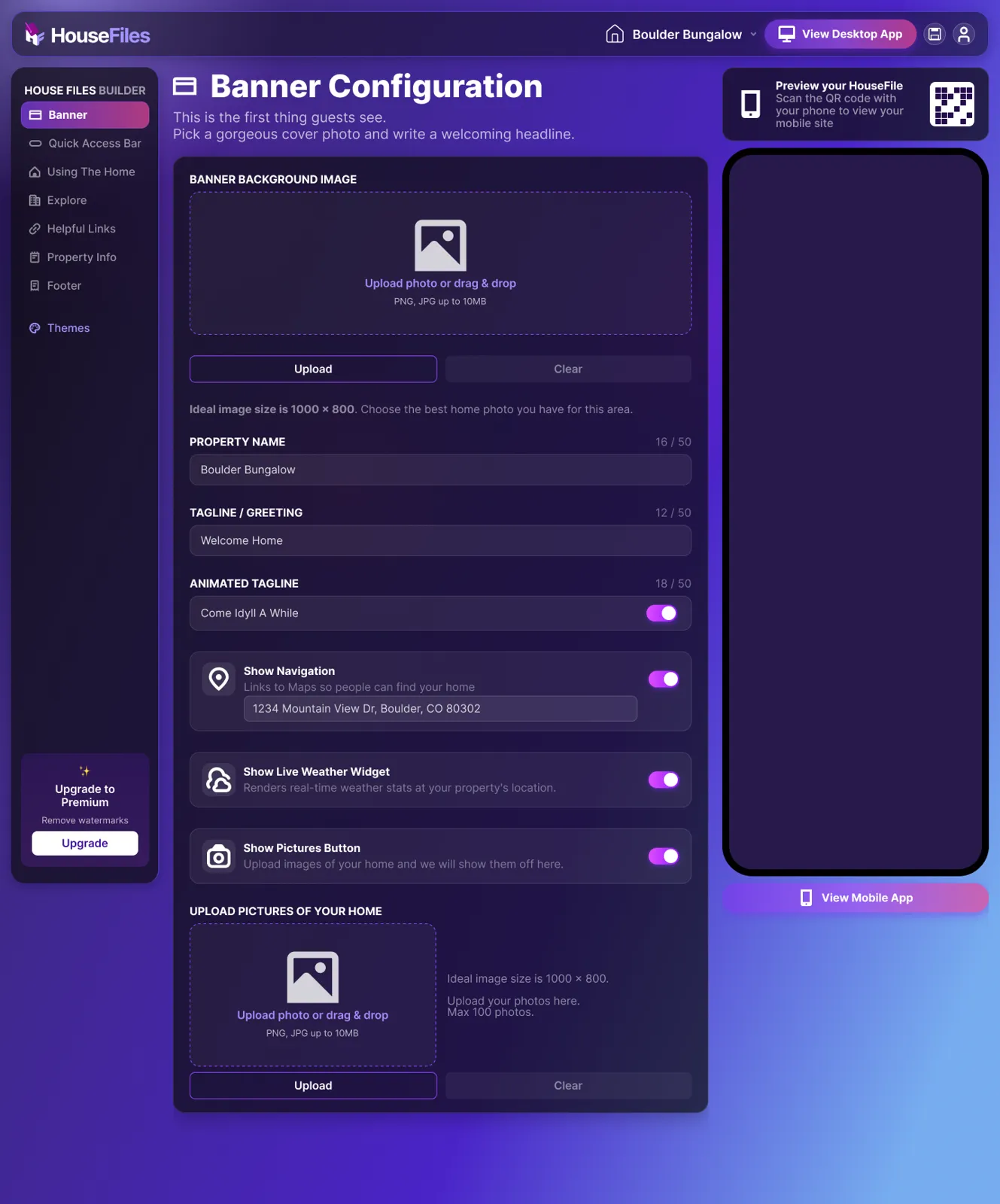
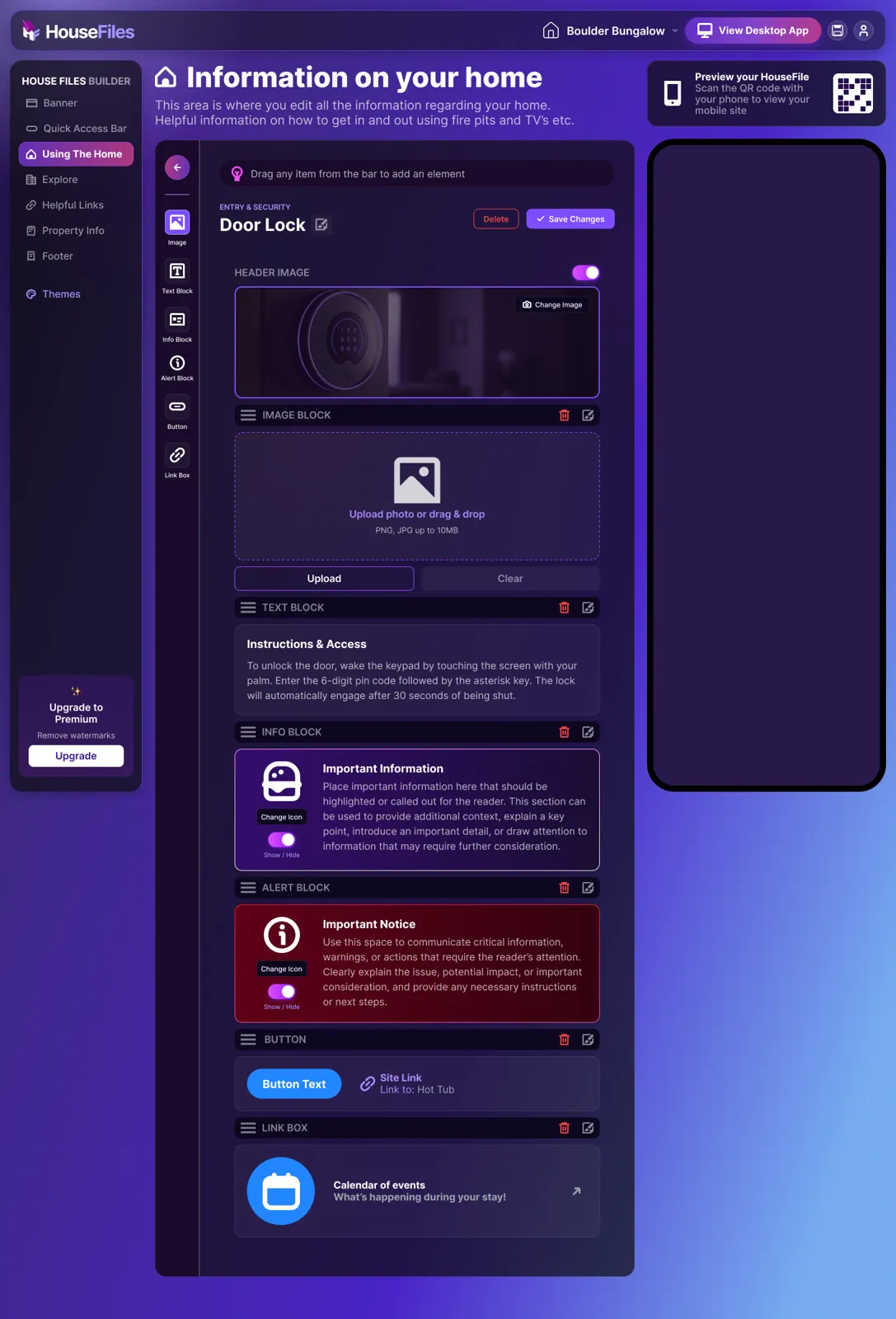
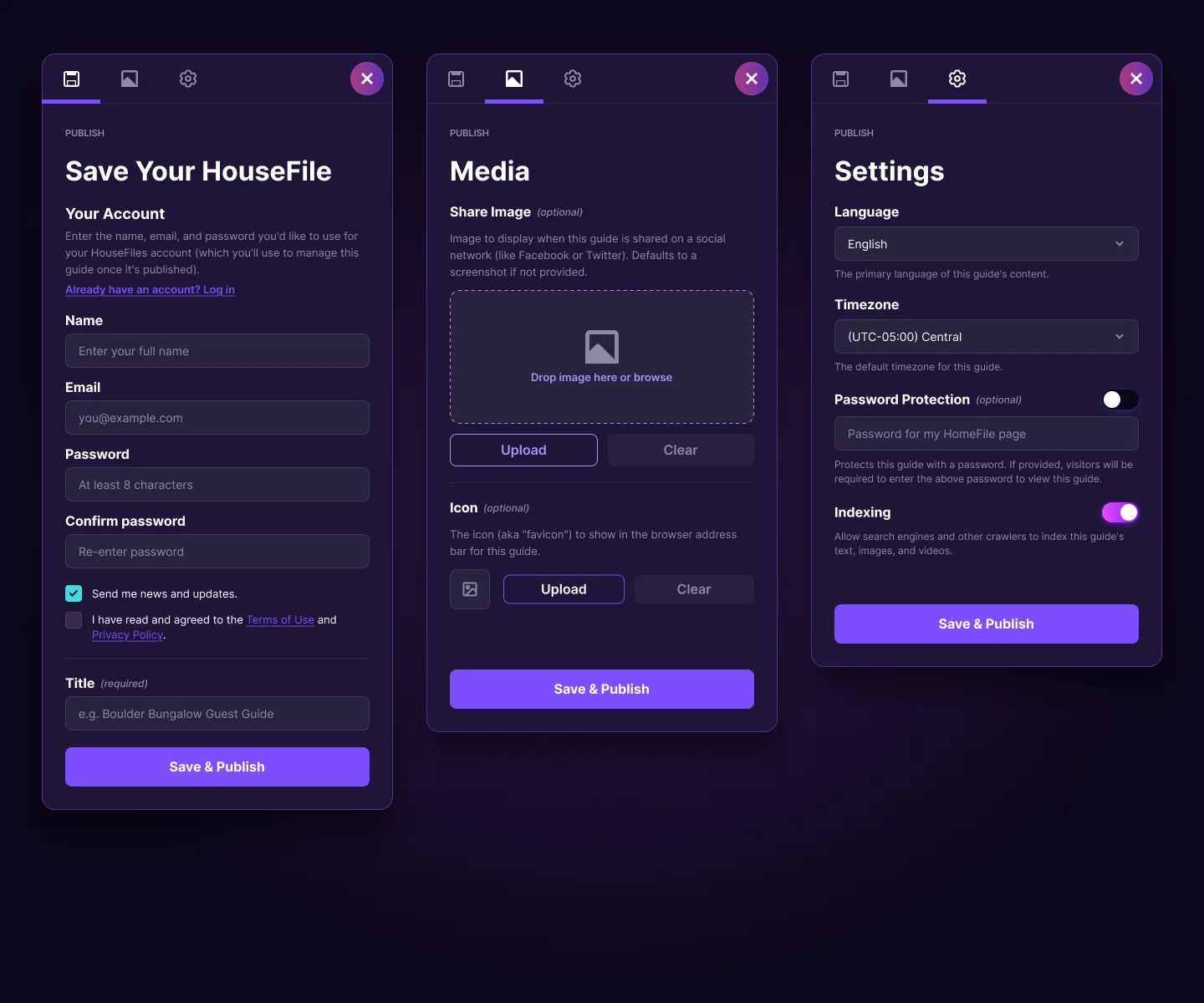
HouseFiles, a working prototype
HouseFiles is an AI guidebook builder for short term rental hosts. A host pastes a listing link and an AI agent reads the listing and local area, then builds a guest guidebook they can edit and publish. I designed it in Figma and built it with Claude Code. It was a prototype I made to test how far this workflow could go, and it was never launched. I include it as a look at the design-to-software process in practice.